crypton

A cryptocurrency app for beginners to start their crypto investment journey

  • Market Research
  • Competitive Analysis
  • User Survey
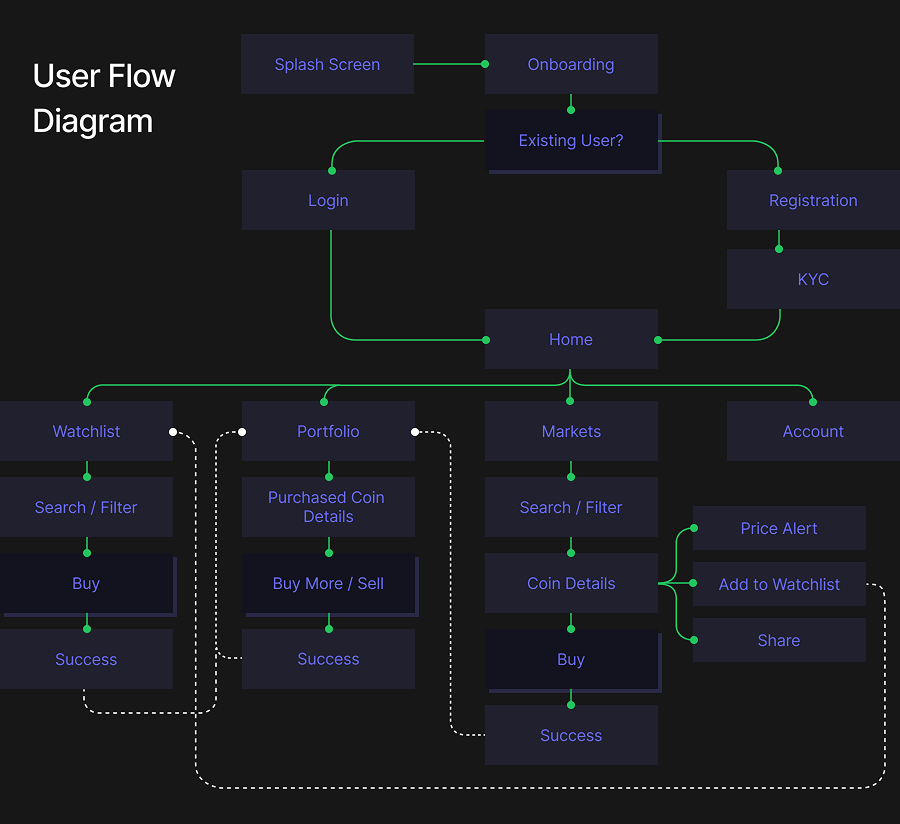
  • User Flow
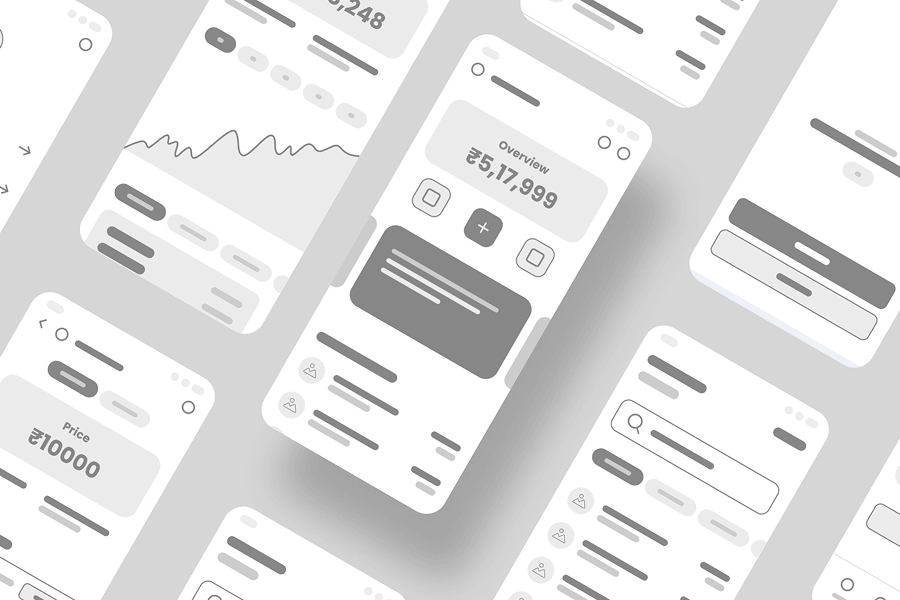
  • Wireframes
  • Colour, Typography & Grid
  • Accessibility Evaluation
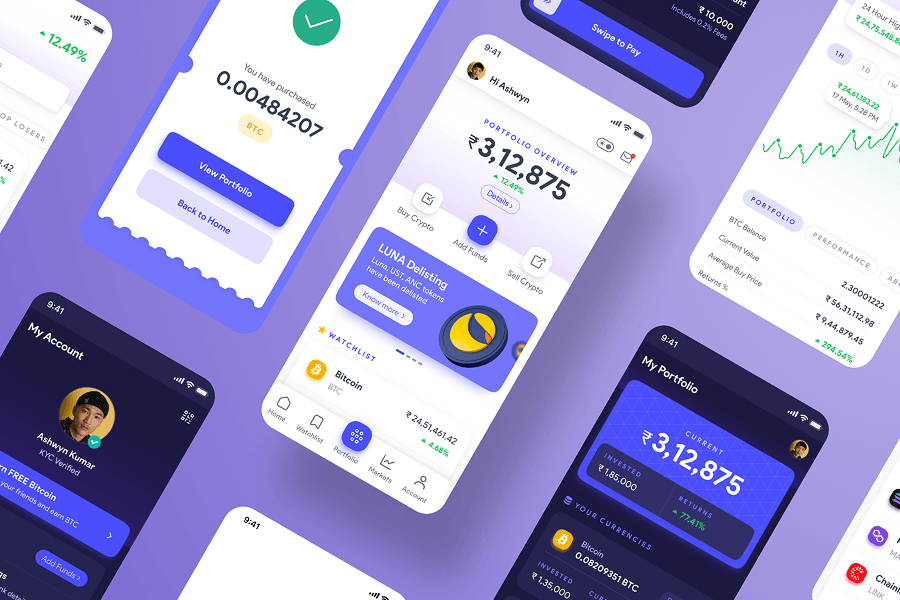
  • High-fidelity UI
  • Prototype
WhereMumbai, India
WhatNative Mobile App
WhyPortfolio Project
RoleDesigner
CategoryCryptocurrency,
Finance
When2022
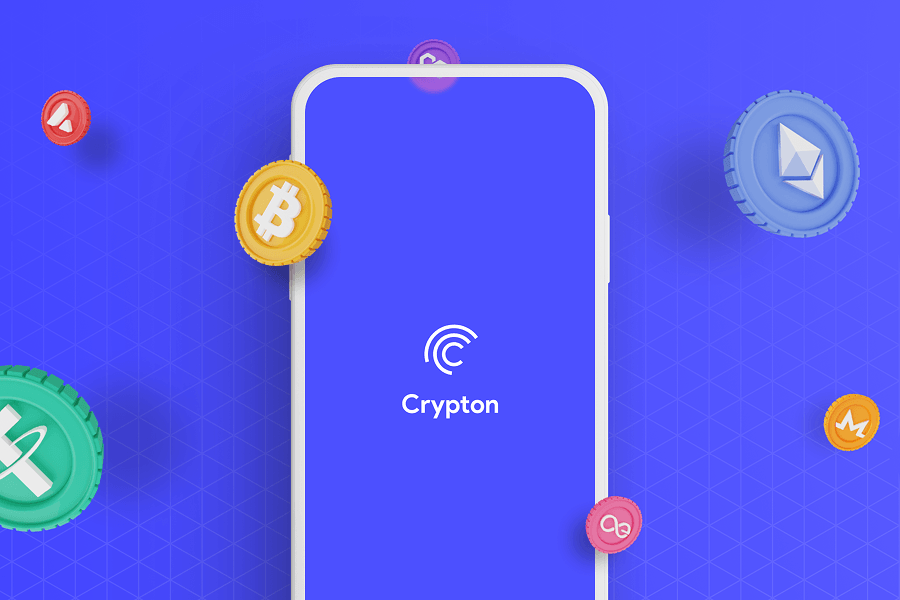
Crypton app artwork: cryptocurrency coins floating around an isometric grid with the app's splash screen on a phone

Market Research

The Claim

Crypto investing is in it’s infancy stage in India. Daily crypto trading is 1% of the daily stock trading volume, with the potential for exponential growth

The Problem

The current crypto investing platforms by purpose of being feature and data rich can be intimidating to first-time and potential crypto investors

Competitive Analysis

I analysed 3 popular apps in the Indian crypto investing space, trying to understand both the good points as well as obstacles newbie investors would face in each of them

Coinswitch app icon

Coinswitch

10M+ Downloads

The Good

  • Filter and sort functionality make it convenient to filter data
  • Simplified navigation
  • Categories section is a bonus

The Bad

  • Educative content could be better structured
  • Data graphs are limited to last 1 year maximum
  • Search can include suggestions
CoinDCX app icon

CoinDCX

10M+ Downloads

The Good

  • Short educative videos for beginner investors
  • Helpful jargon explainer tips on relevant screens
  • Data graphs are comprehensive

The Bad

  • Home screen doesn’t have scope for customization
  • Adding funds is a big user pain point
  • Relatively less helpful Support section
WazirX app icon

WazirX

10M+ Downloads

The Good

  • Addings funds is easy and intuitive
  • Dark theme option reduces strain while looking at data
  • Includes a gamification system to earn coins

The Bad

  • UI can feel intimidating to beginners
  • Not much educative content for beginners
  • Feature list is complex for beginners

User Survey

I conducted a quick survey among people who are already into crypto investing as well as retail stock investors who are potentially looking to get into crypto investing. One of the key takeaways is as below:

What is the factor that is/was keeping you from investing in crypto?

17 participants

Complexity42%
Trust29%
Volatility23%
Lack of regulation6%

Time to start designing

User flow diagram mapping the Crypton app screens from splash and onboarding through login, home, markets, buy and success states

Wireframes

Low-fidelity wireframes for the Crypton app screens

Colour Palette & Typography

The colour blue is associated with trust, and traditionally used in many financial products. Cryptocurrency being a new-age form of investing, I wanted to use a contemporary hue of blue as the primary colour. For the typeface, I wanted to pick a modern yet versatile serif, and Product Sans was the perfect fit

Colour Palette

Primary
Success
Warning
Destructive

Typography

Product Sans

Aa Bb 123

RegularMediumBold

Grid & Spacing

I used an 8-point grid layout with 4 columns.
For the margins, I used 16 with a gutter of 12

Diagram of the 4-column, 8-point grid with 16px margins and a 12px gutter

Accessibility Check

The app has been evaluated for contrast to match the AA standards of WCAG

Light colour contrast sample

AA small text: Pass

AA large text: Pass

Dark colour contrast sample

AA small text: Pass

AA large text: Pass

High Fidelity UI

High-fidelity UI screens for the Crypton app

Features

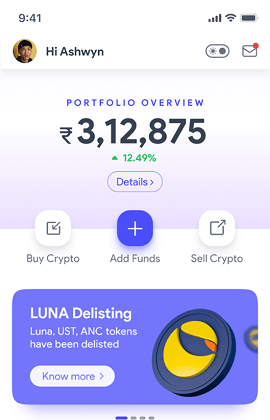
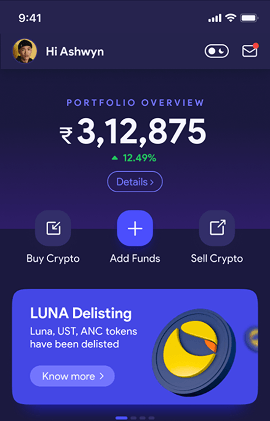
Crypton home screen showing portfolio value, gain/loss and watchlist

Personalized Home Screen

The home screen provides an instant overview of information that is important to the user, such as portfolio value, annual gain/loss and Watchlist. This also extends to quick actions such as buying or selling cryptocurrency and adding funds to the user's account

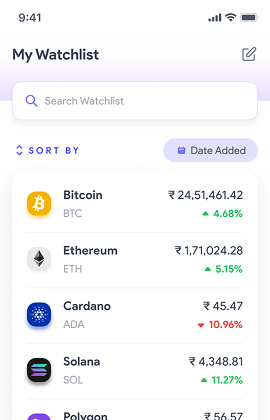
Watchlist screen with sort, filter and price alert options

Watchlist with Price Alerts

Users can add cryptocurrencies to their Watchlist which enables sort and filter functions by criteria and lets them create price alerts

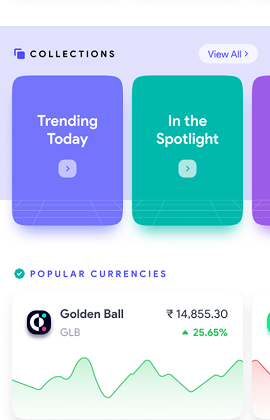
Cryptocurrency collections grouped by risk, type and size

Cryptocurrency Collections

The app makes it easier for beginners to invest in cryptocurrencies by categorizing them into collections based on various factors such as risk, type and size

Crypton interface rendered in dark mode

Dark Mode

The app is designed with the ability to switch between light and dark modes. This feature has become as essential part of app experiences where the user spends a lot of time using the app and looking at information. It helps reduce eye strain and assists with device battery life

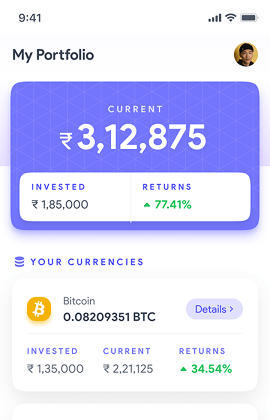
Portfolio screen listing purchased cryptocurrencies with primary information

Simplified Portfolio Screen

The Portfolio screen gives users an overview of their purchased cryptocurrencies with only primary information for each up front. They can get secondary information by clicking on any of the respective currencies

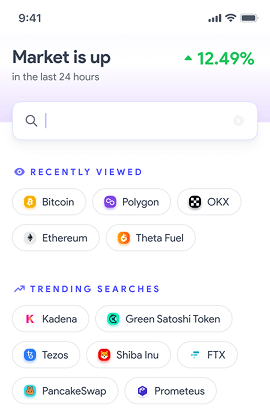
Search screen showing recently viewed and trending cryptocurrencies

Suggestive Search

The search functionality helps the user with contextual information such as the their recently viewed cryptocurrencies, as well as trending cryptocurrencies based on collective search data

Crypton app screens showing the app's splash screen, home screen, watchlist and portfolio

Designed with pixel perfect precision and detail

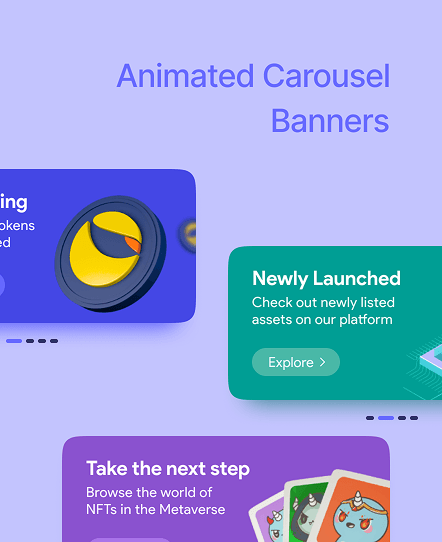
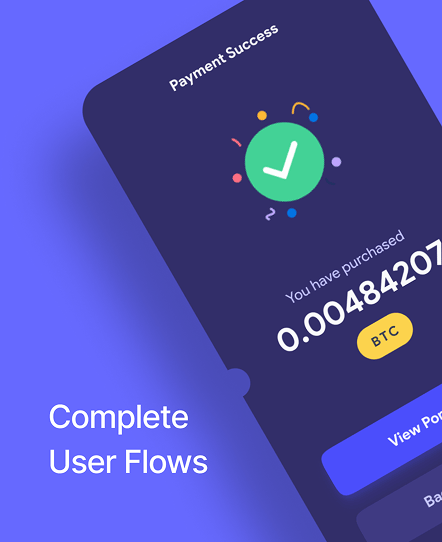
Animated carousel banner components used across the Crypton design system Complete user flow screens showing app navigation from start to finish
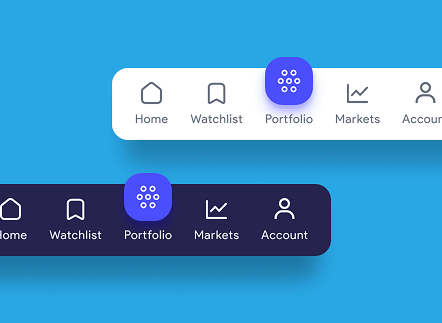
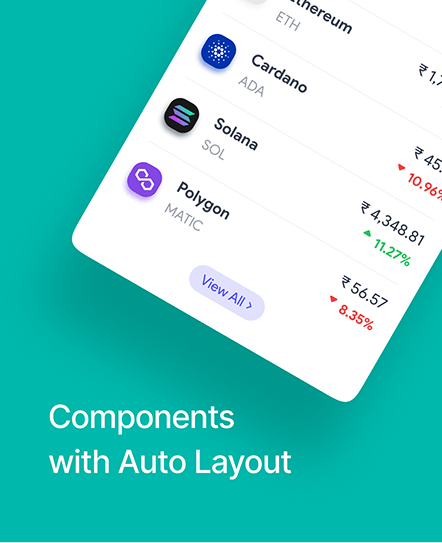
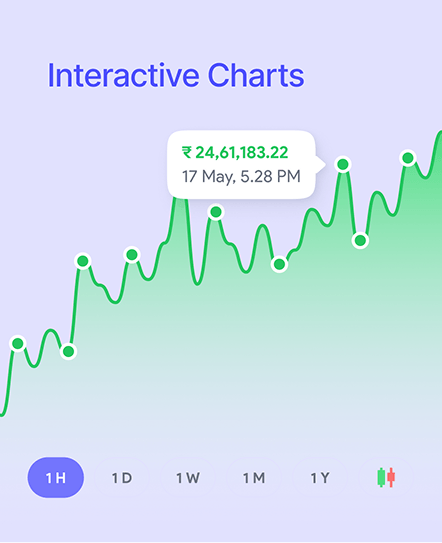
Light and dark bottom navigation bar components Auto-layout coin list components showing live crypto prices and change percentages Interactive price chart component with selectable time ranges

Before you experience it…

It's an app concept - it covers a bunch of essential screens but not all of them.

A higher end device is recommended as elements may take time to load and appear. Keep in mind, it is a prototype and not a coded app.

Essentials is still a lot - there's 35+ screens to browse through.

If viewing on Mobile, please install the 'Figma Mirror' app from the Play Store/AppStore before clicking the link below.